Browser extension

Capture websites,
section by section.

Take the web into your design tool or coding agent with editable layers, recorded motion, and exact design specs.

Runs locally in your browser. No server or account.

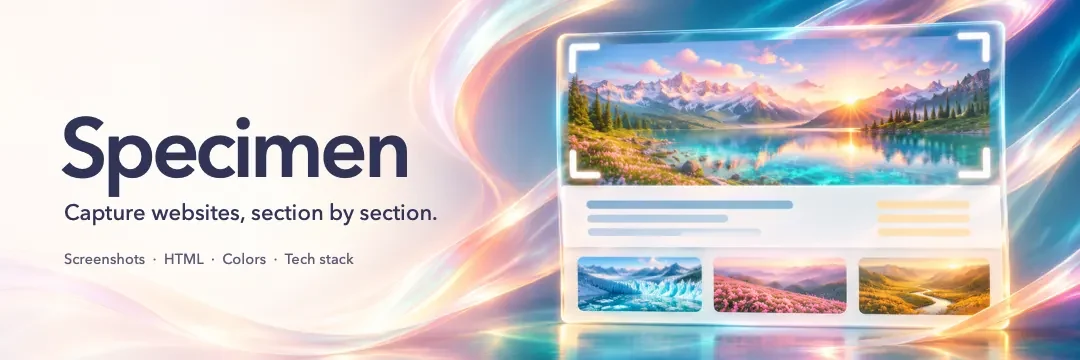
Specimen’s banner illustration shows a mountain landscape framed in a web capture.
Desktop browser support Chrome · Edge · Brave · Arc Chromium side panel Firefox Sidebar Safari Docked window on macOS

Workflow

From page to capture.

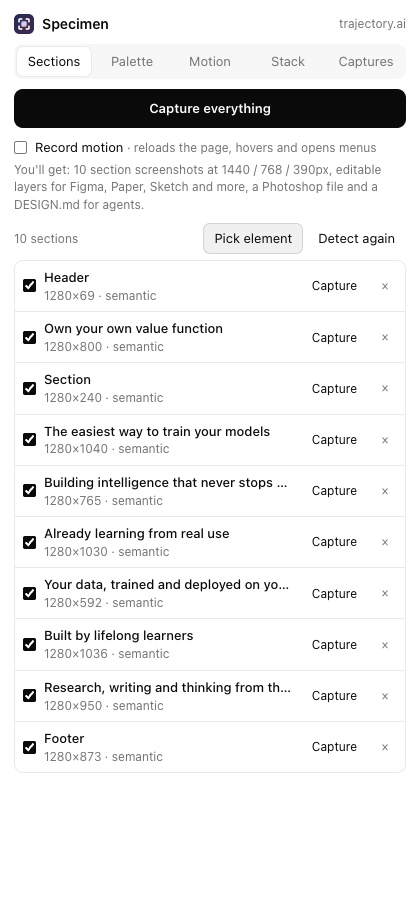
Scanning starts only when you select Scan page. Capture the whole page, run one section, or use the element picker to frame exactly what you want.

Point to any element.

The picker outlines the element and its box model as you hover. Use ↑ and ↓ for parent and child, then Enter or click to add it to the capture list.

Turn on Record motion when you need animation. Use Cancel to stop a run in progress.
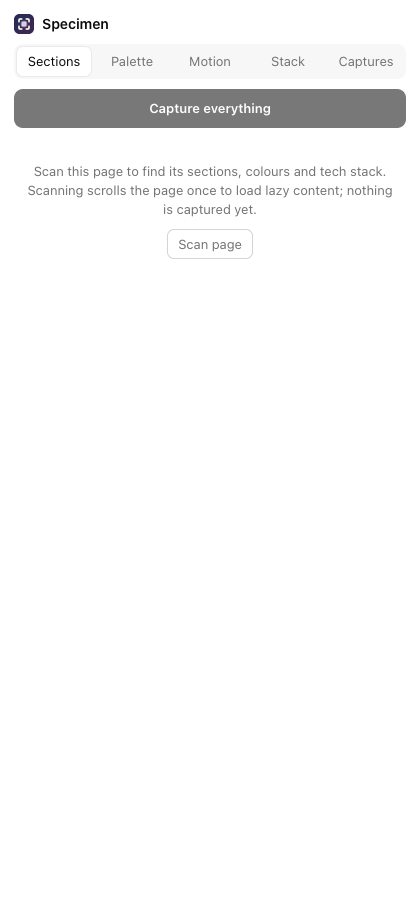
Specimen waits for you to select Scan page. The Sections tab shows detected sections, Pick element, and Record motion.

Review before you export.

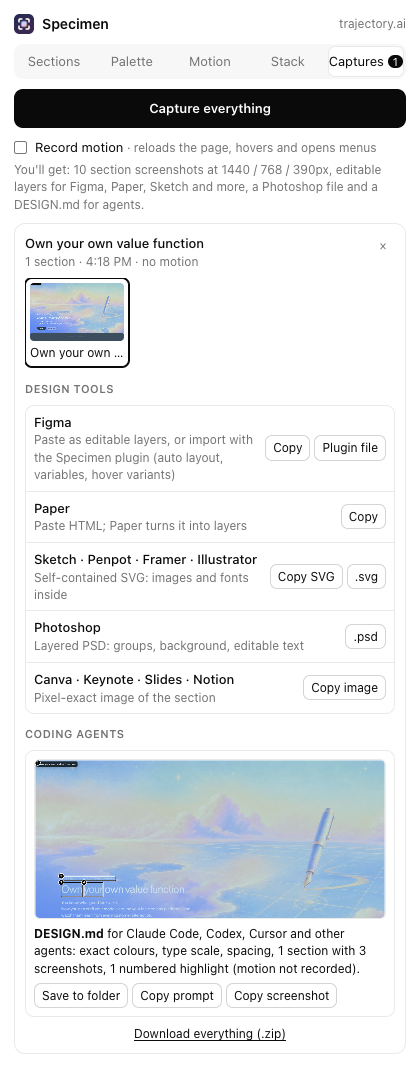
Each capture goes into the Captures tab. Inspect the live preview and use the export that fits your next step.

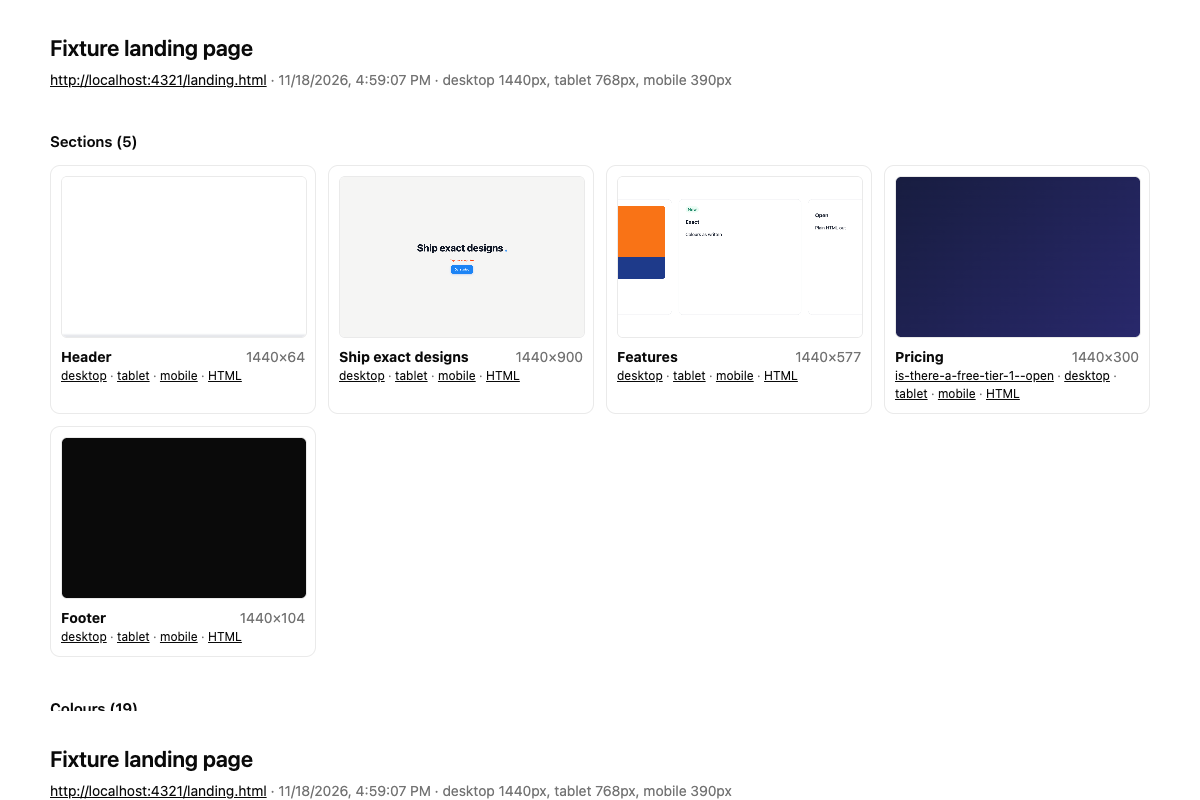
Keep a browsable report with page and section screenshots, portable HTML, exact colours, and the detected tech stack.

Specimen Captures tab with a captured section and its export options. A browsable capture report with section thumbnails.

Read the design as rendered.

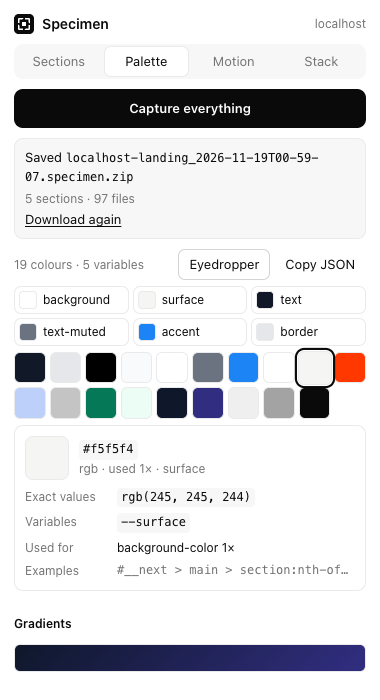
Find CSS variables, exact oklch() and Display P3 values, and WCAG contrast checks for text and backgrounds.

See evidence for detected technologies across 41 frameworks and libraries.

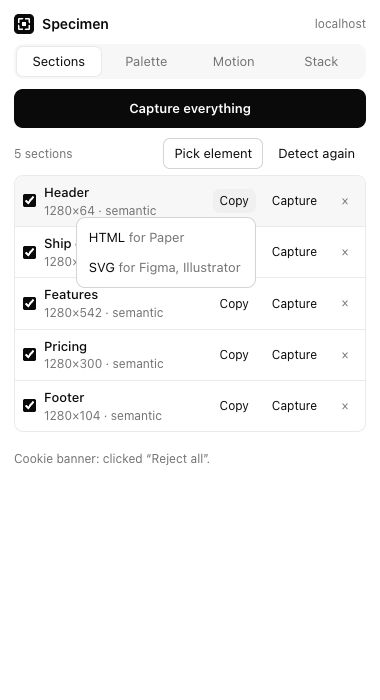
Sections tab with individual capture controls. Palette tab with swatches, source values, and token roles.

Exports

Keep working from the capture.

Use the same section in a design file, a motion project, or a spec your coding agent can follow.

Editable layers

Copy self-contained SVG or HTML into Figma, Paper, Sketch, Penpot, Framer, and Illustrator. The Figma plugin imports auto layout, colour variables, and hover variants where supported.

Image and motion files

Export a layered Photoshop PSD, After Effects scripts, or Lottie JSON. Copy an image to Canva, Keynote, Google Slides, or Notion.

Batch capture

Use the CLI to capture multiple URLs, compare bundles, and run checks. View CLI commands

Coding agents

The page, spelled out in DESIGN.md.

Save a spec folder in Chrome or Edge, or download it as a ZIP for Claude Code, Codex, or Cursor. Copy a prompt for Claude, ChatGPT, Grok, or Gemini.

design-spec/DESIGN.md
Design tokens
Colours, type scale, spacing, radii, shadows
Breakpoints
1440 px · 768 px · 390 px
Reference images
Screenshots and numbered element callouts
Behaviour
Hover, focus, scroll, and motion timings
Stack
Detected frameworks and libraries

Motion recording

Capture what moves.

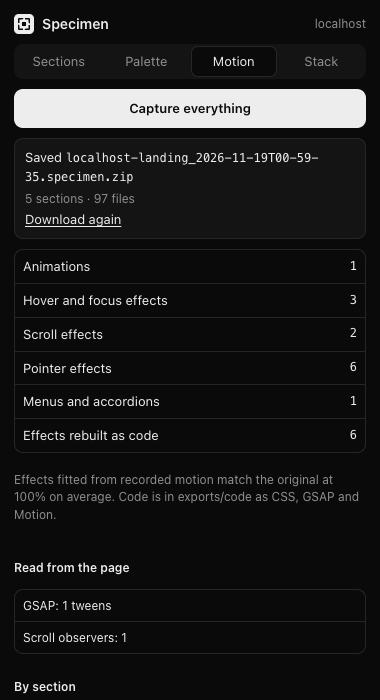
Record page load and scroll, step through CSS animations frame by frame, inspect GSAP timelines, and capture hover, focus, and scroll reveals with their timings.

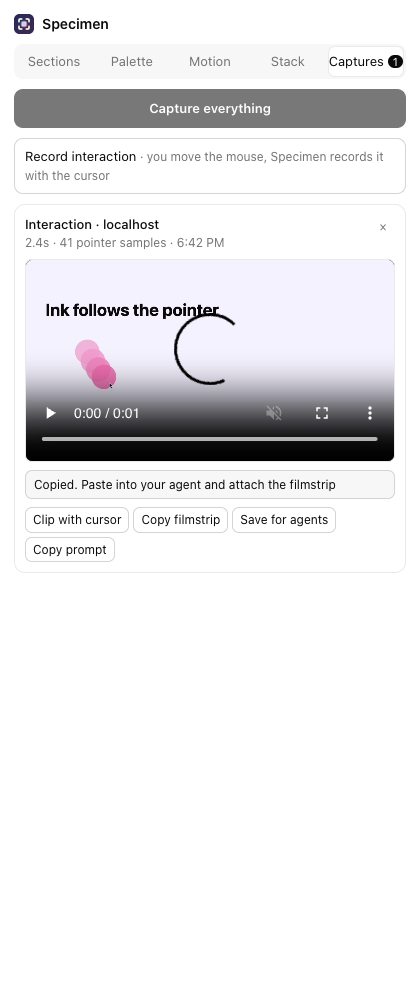
Canvas and WebGL pointer effects show up as clips and filmstrips with the cursor drawn in. In Chrome and Edge, Record interaction also captures your own mouse movement.

Take the timing with you.

Export supported effects as CSS, GSAP, or Motion code.

Six frames showing the ink trail and cursor position over time.
Interaction recording, motion report, and cursor filmstrip

Video support varies by browser. Chromium supports load, scroll, pointer, and frame-stepped clips. Firefox supports frame-stepped clips. Safari captures screenshots.

Local install

Install Specimen.

Install a local build from GitHub. You’ll need Node.js 23+, pnpm, and Git.

Build from source

git clone https://github.com/ayushozha/specimen.git
cd specimen
pnpm install
pnpm build:all

Chrome, Edge, and other Chromium browsers
  1. Open chrome://extensions, edge://extensions, or your browser’s extensions page.
  2. Enable Developer mode and select Load unpacked.
  3. Choose apps/extension/.output/chrome-mv3.
Firefox 140+
  1. Open about:debugging#/runtime/this-firefox.
  2. Select Load Temporary Add-on and choose apps/extension/.output/firefox-mv3/manifest.json.
Safari on macOS
  1. Run pnpm safari:project, then open and run apps/safari/Specimen/Specimen.xcodeproj in Xcode.
  2. Enable Allow unsigned extensions in Safari’s Develop menu and turn on Specimen under Settings → Extensions.

Open a website, click Specimen in the toolbar, then select Scan page.

Specimen banner showing a web page framed by the element picker.